Private Ticket Pages
Each guest gets a private link to track progress. No shouting names across the room. No paper slips to lose.
 queue1
Download Free Demo
queue1
Download Free Demo
Built for restaurants, barbers, clinics, and more
queue1 helps Australian venues replace whiteboards and manual callouts with private ticket pages, live serving updates, and simple controls your team can learn in minutes. Guests stay informed. Staff stay in flow.
Free demo on Google Play Download queue1 Display and queue1 Controller
Product
Each guest gets a private link to track progress. No shouting names across the room. No paper slips to lose.
Issue tickets in seconds, update “Now serving” instantly, and keep multiple queues organized during peak periods.
Guests see live progress and can get notifications where supported, so they can wait comfortably and return at the right moment.
At A Glance
Guests use queue1 Display to join and check progress. Staff use queue1 Controller to call the next ticket in seconds.
In Action
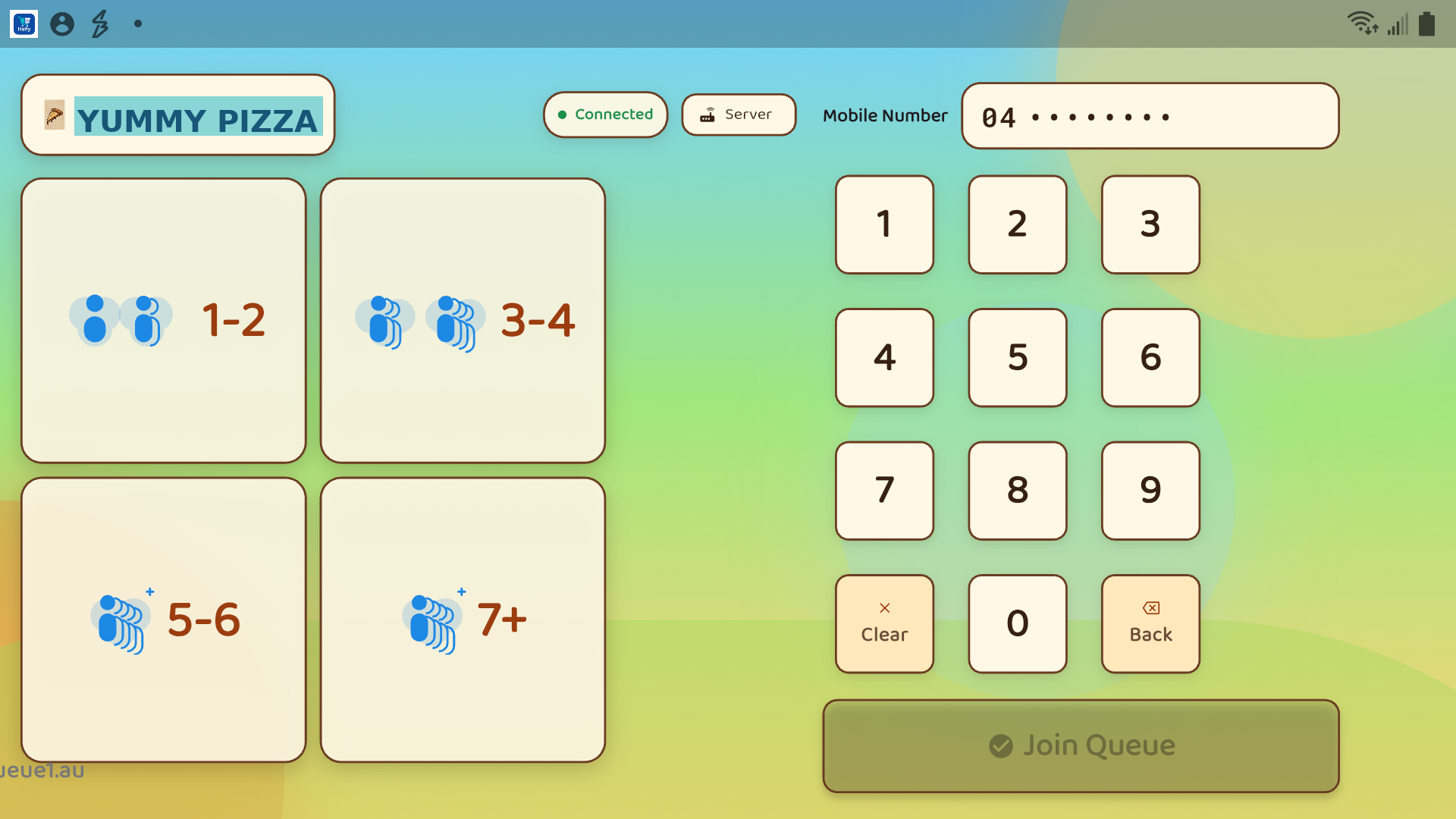
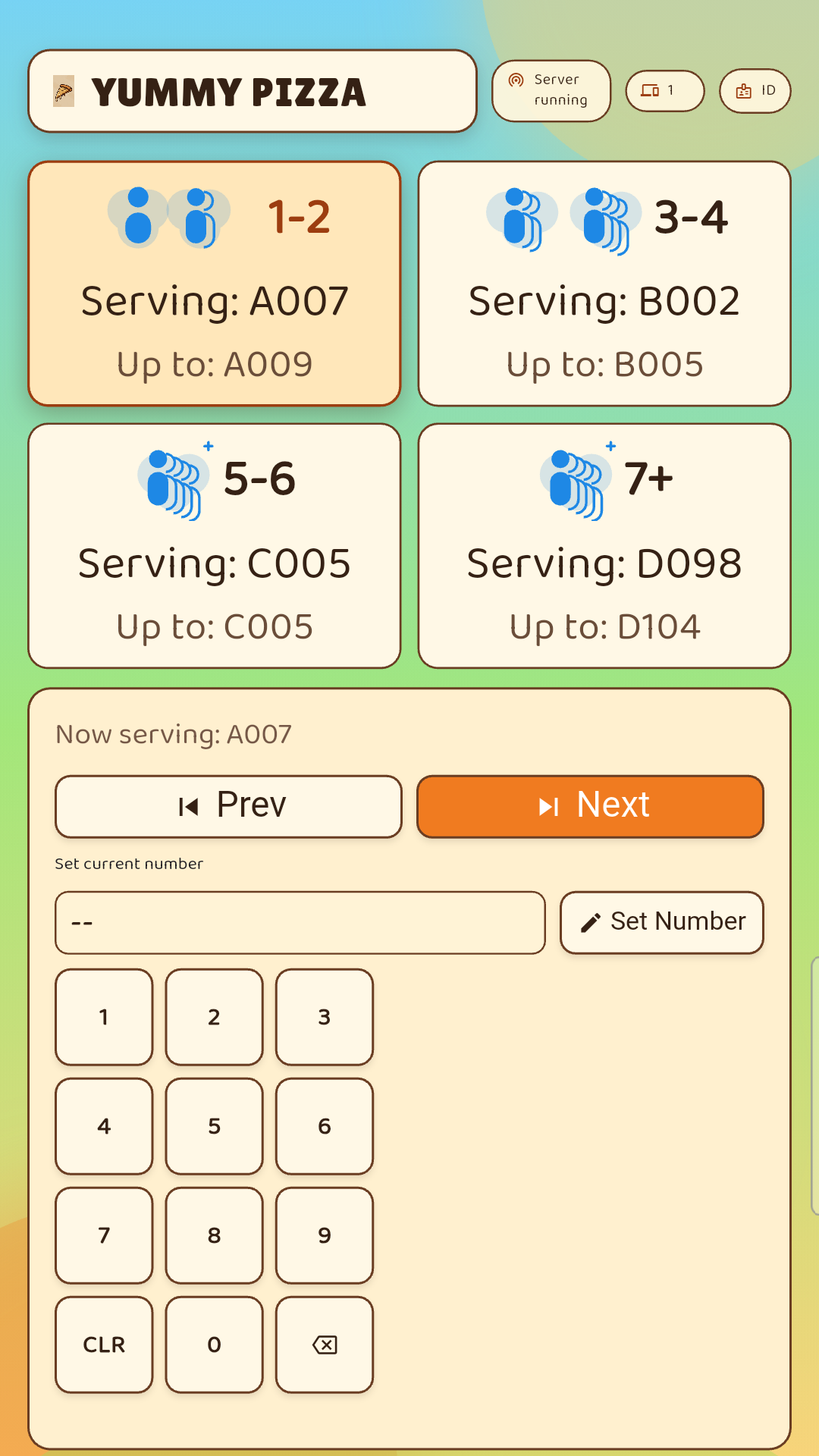
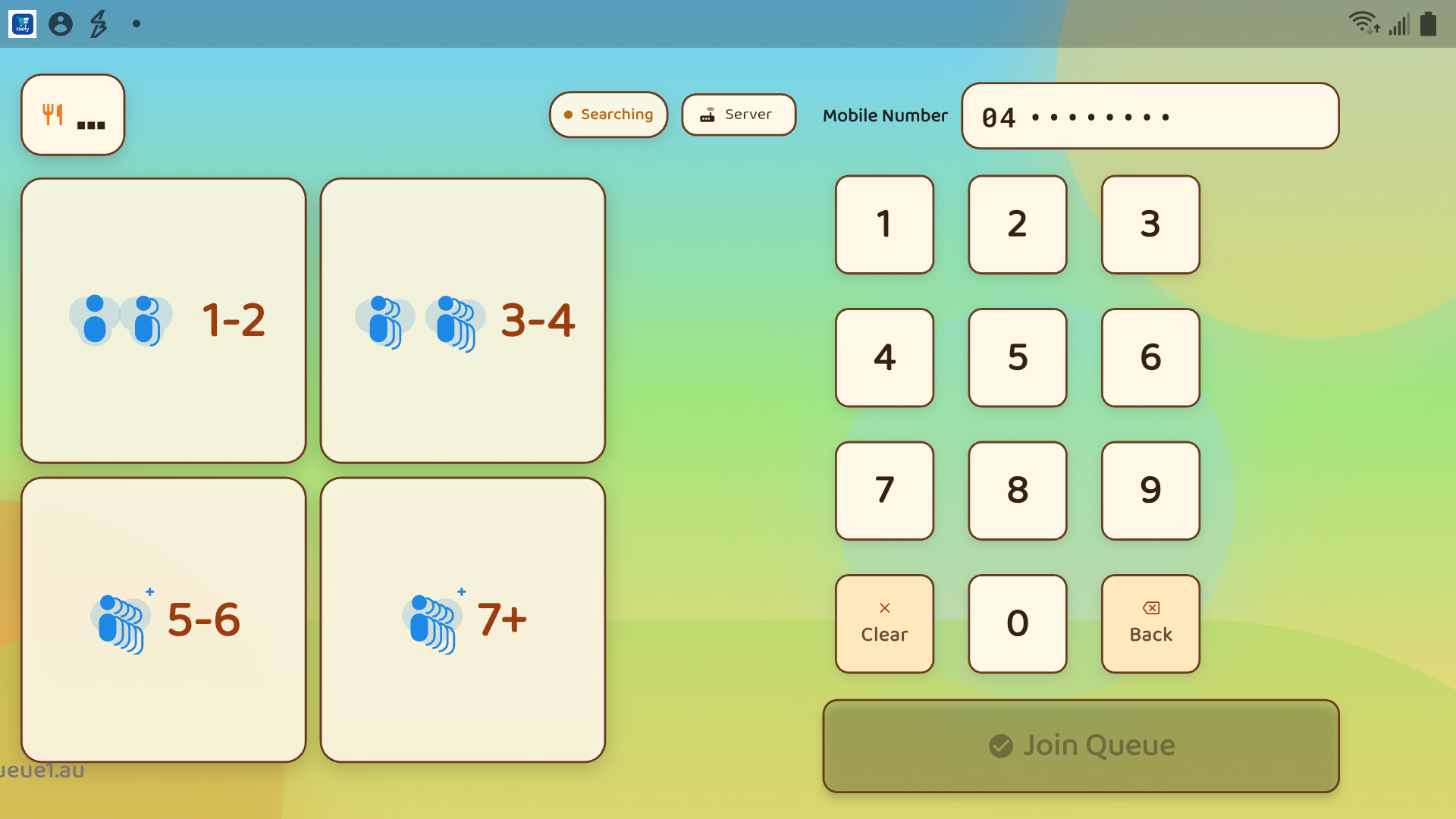
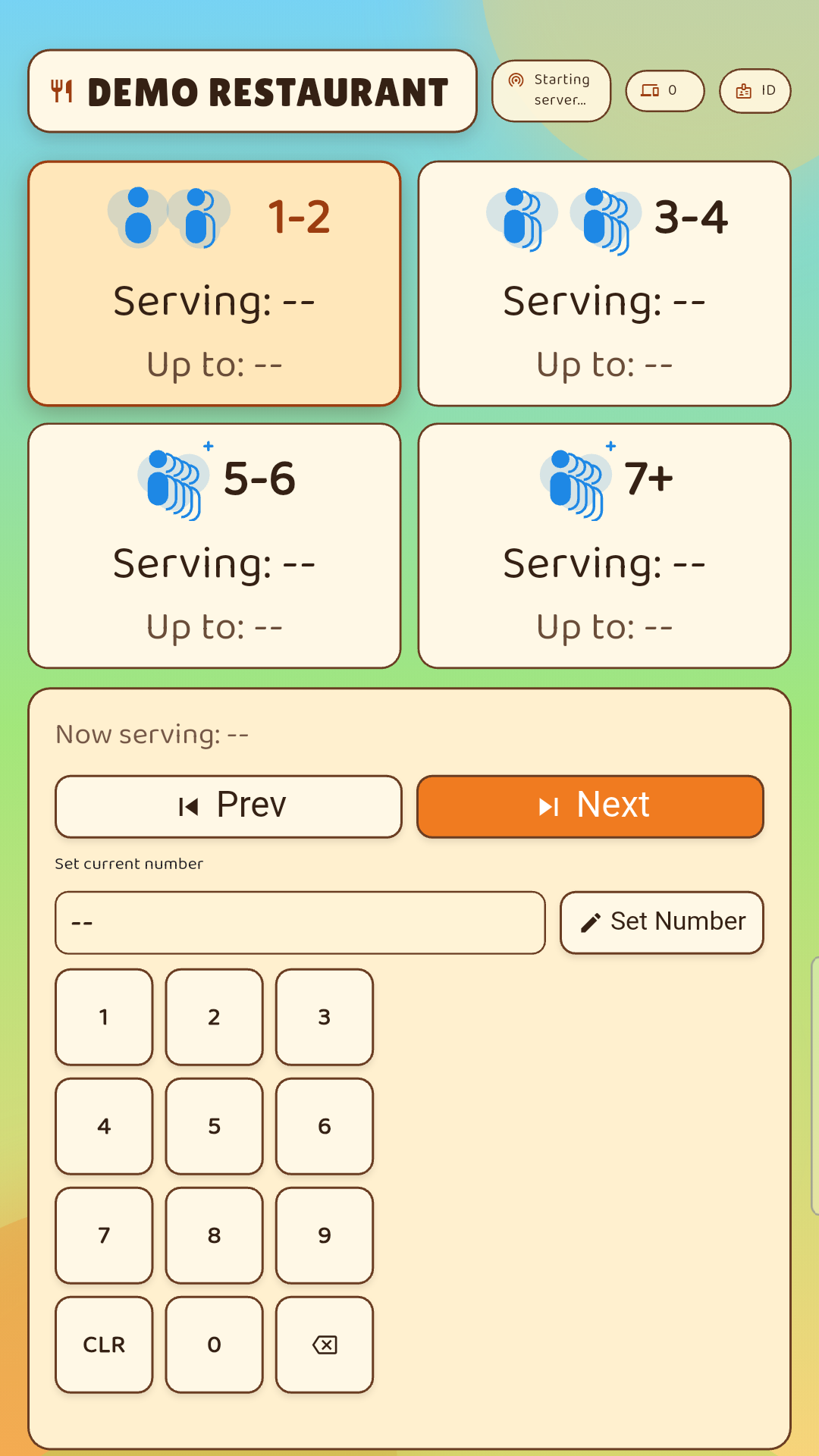
Real queue1 app screens from the demo setup, showing what guests see on queue1 Display and what staff use on queue1 Controller during service.
Guests can see the queue options clearly, scan the QR code, and join the right line without staff re-explaining the process.
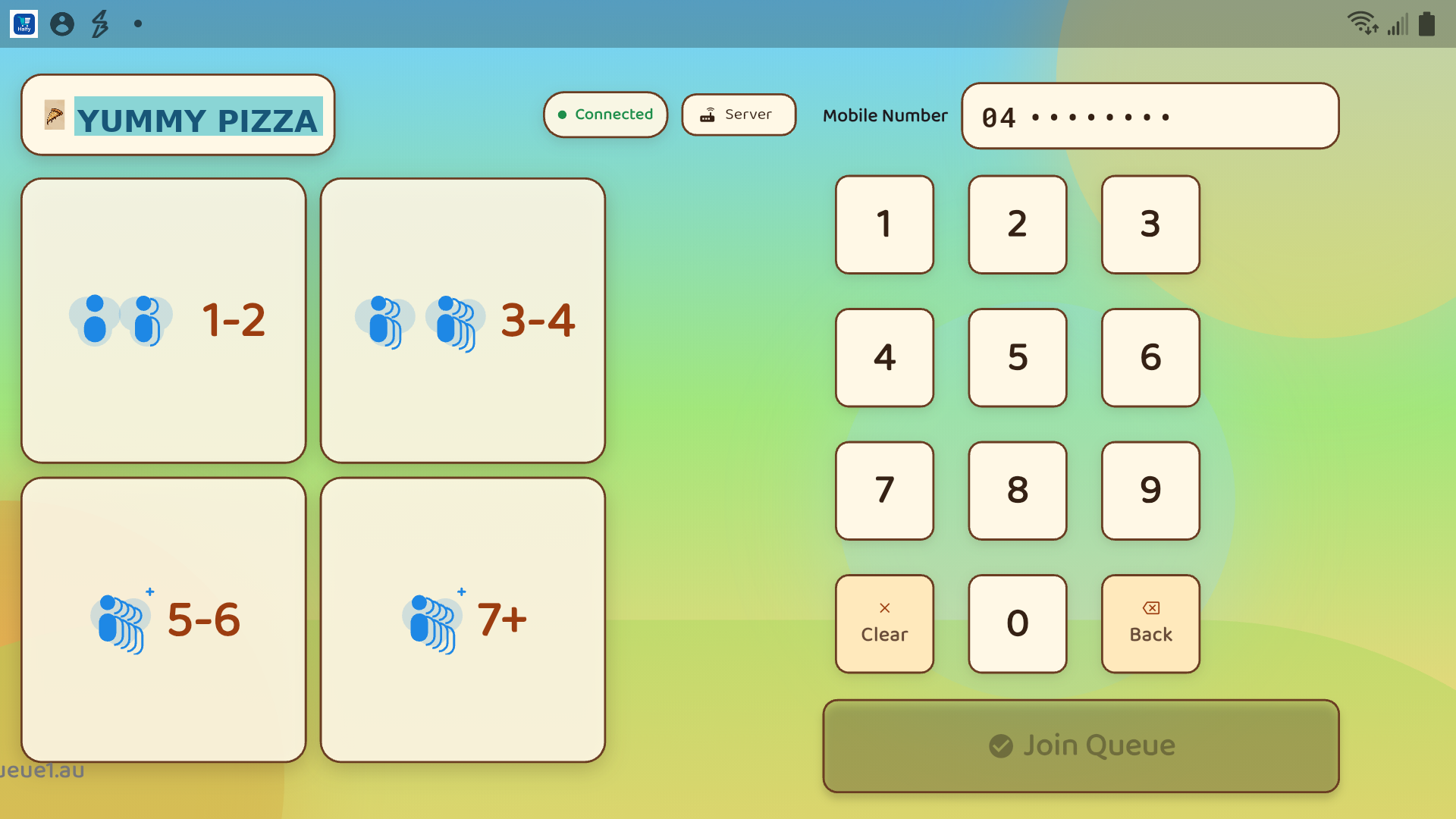
Each queue stays visible on one screen so guests can follow progress at a glance while they wait.
queue1 Controller keeps the next-ticket flow simple during busy periods, with large controls and clear queue states.
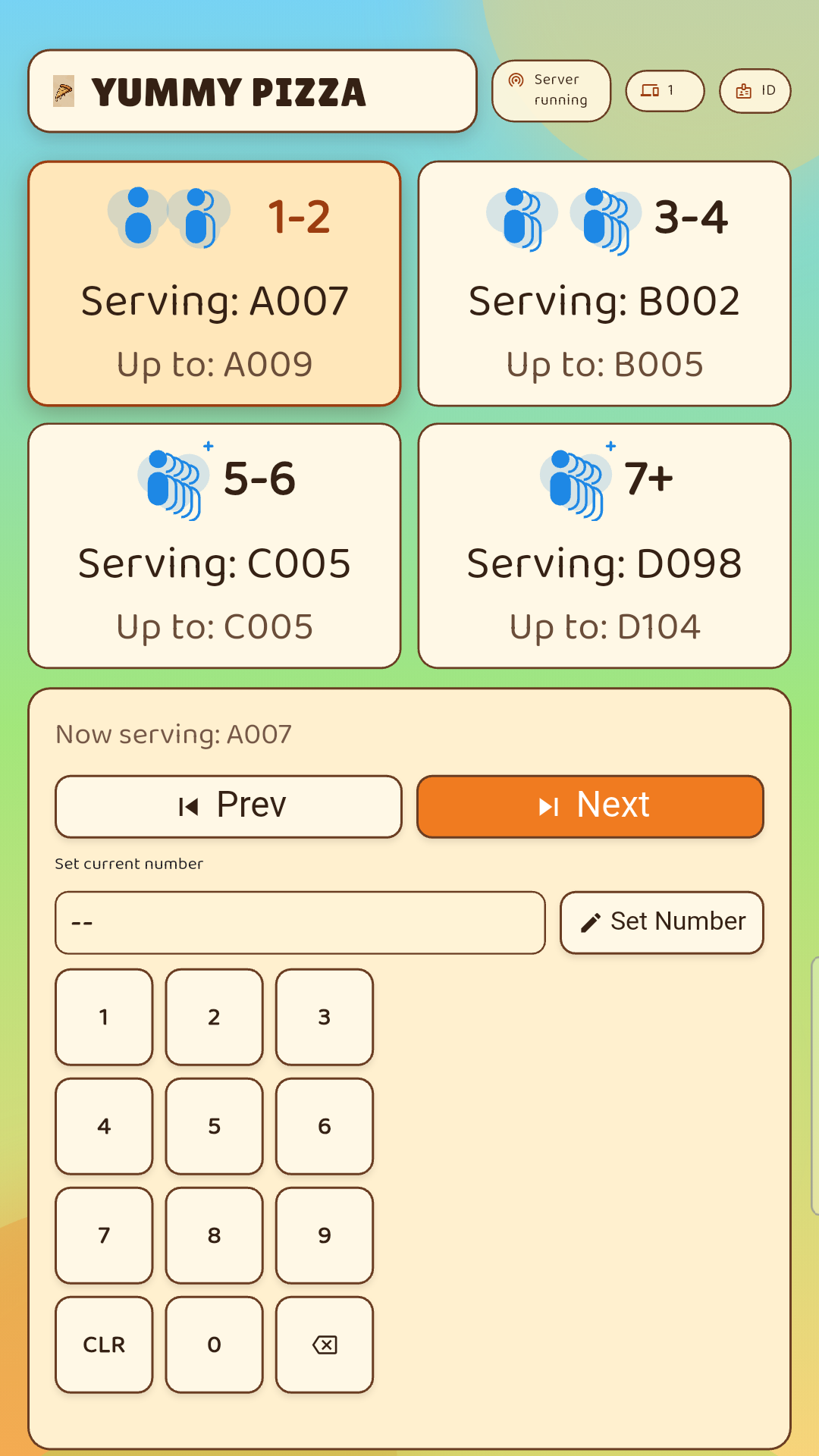
The built-in dialpad helps staff issue the next number quickly without fiddly text entry.
Industries
Keep the host stand calm. Give walk-ins a clear view of progress and reduce “How long?” interruptions during rush.
See restaurant solutionMake the waiting area feel fair and predictable. Guests can step out and come back when it is close to their turn.
See barber solutionReduce lobby congestion and smooth arrivals. Real-time serving updates help keep the day moving without constant front-desk callouts.
See clinic solutionSeparate quick questions from longer service. Multiple queues help staff stay focused while customers stay informed.
Reduce missed calls and repeated check-ins. Ticket pages set expectations while your team stays hands-on.
Handle bursts without chaos. Ticket links scale the same way your line does: instantly.
How It Works
Security
Ticket pages use unique, hard-to-guess links so guests can check their place without exposing internal IDs or staff-only systems.
Protect traffic with HTTPS/TLS in production to keep data private between devices and your server.
Queue state is saved so operations recover cleanly after restarts or interruptions, with minimal staff rework.
Pricing
Free demo
Free
Download the free demo from Google Play and try queue1 at your venue, limited to a maximum of 100 tickets. Setup uses 2 Android devices: one for queue1 Display and one for queue1 Controller.
Most popular
A$50/month (AUD)
Your restaurant name and logo, customized in the app, plus live queue sync, push notifications, monthly queue reports, and priority support.
Custom
Multi-site rollout, custom SLAs, and integration advisory.
Google Play
Download the free demo from Google Play with two apps: queue1 Display (guest-facing display) and queue1 Controller (staff controls). For best results, use a screen 10 inches or larger for the guest-facing queue1 Display device.
FAQ
No. Guests open a personal ticket link in their browser to see live progress.
Yes. queue1 is designed for single-site operation on your venue Wi-Fi network. For normal operation, the venue network should have an active internet connection.
It is designed for busy periods: quick ticket issuance, clear multi-queue separation, and persistent state so you can recover cleanly after interruptions.
Contact